The Meta AI panic is over, but turn off this lingering setting.
Meta pulled the feature that let anyone make AI images from your public Instagram photos. The setting that fed it is still on by default. Here is how to turn it off.

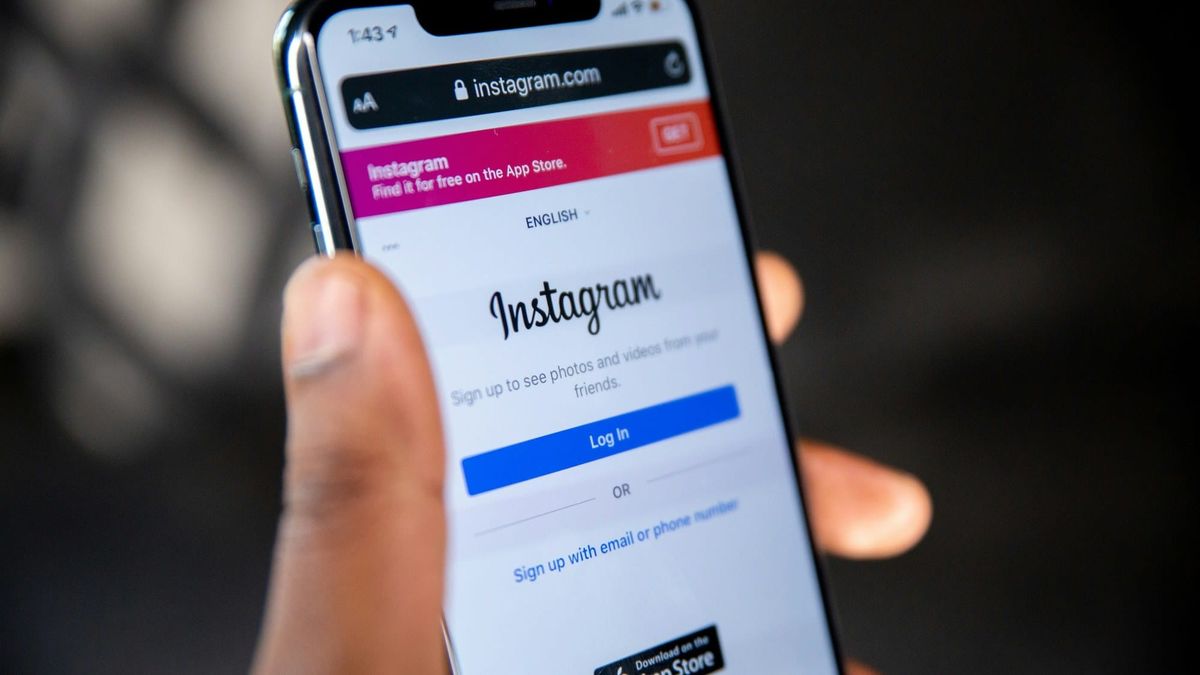
If a friend forwarded you a warning last week about Meta letting anyone turn your Instagram photos into AI images, here is the update: Meta already switched that off.
The feature launched July 7. By July 10 it was gone. Three days. It let someone type your Instagram handle into Meta's new image generator and get back a fabricated picture built from your public photos, with no notice to you and nothing to approve first. Actors, their agencies, and a lot of ordinary users pushed back, and Meta pulled it. In the company's own words, it "missed the mark."
So the thing most of those forwarded posts are warning about no longer exists. Good.
But it left a smaller piece behind, and that part is worth looking at.
The setting that fed the feature is still there, and it is still on by default for public accounts. It is the one labeled "Allow people to reuse your content on Instagram and with AI features at Meta." The @-mention tool is gone, but Meta's larger image generator, Muse Image, is still running inside the Meta AI app, in WhatsApp, and in Instagram Stories. Turning that setting off is how you keep your posts out of whatever it becomes next.
Two things people keep getting wrong. The emergency is over, so you can stop worrying about a friend spinning up an AI photo of you tomorrow. And posting "I do not consent" on your profile does nothing. It is not a contract, Meta never agreed to it, and it has never once stopped a company from doing anything. Skip it.
Your public photos are now raw material for AI, and Meta's first instinct was to switch that on for everyone and leave you to go hunt for the setting that turns it off. They backed down this time because famous people got loud. What they backed down to is still opt-out, not opt-in. That is the pattern to watch, because the next feature built on your photos is coming, and it will probably arrive the same way.
What to do
- Turn off the reuse setting. On Instagram, walk this path:The exact wording shifts a little between app versions, so look for anything about reusing your content with AI.
- Go to your Profile and open the menu (the three lines, top right).
- Tap 'Settings and activity'.
- Scroll to the "How others can interact with you" section and tap 'Sharing and reuse'.
- Under "Allow people to reuse your content on Instagram and with AI features at Meta," turn off both controls: one for Posts, one for Reels.
- If you do not see it, update the app. Meta was still rolling this out in the US, so it may not have reached your phone yet. Check again in a few days.
- If AI misuse really worries you, go private. A private account cannot be referenced or reused at all. You lose reach, you gain a wall. That is the trade.
- Check the kids' and grandkids' accounts. Teen accounts are supposed to default to private, which keeps them out of this. Confirm it, and confirm no child is on a public adult account set up with a fake birthday. We covered which of these child-safety settings actually hold up last week.
- Think about the kids in your photos too. Meta never said whether children appearing in an adult's public photos were off limits. If you run a public account full of the grandkids, making it private protects them, not just you.
- If you ever find an AI image misusing you or your family, screenshot it first. Then report it in the app: press and hold the image and choose the thumbs down. If the image is sexual, a new federal law called the TAKE IT DOWN Act requires platforms to remove it within 48 hours of your report. You can also report it to the FBI at ic3.gov.
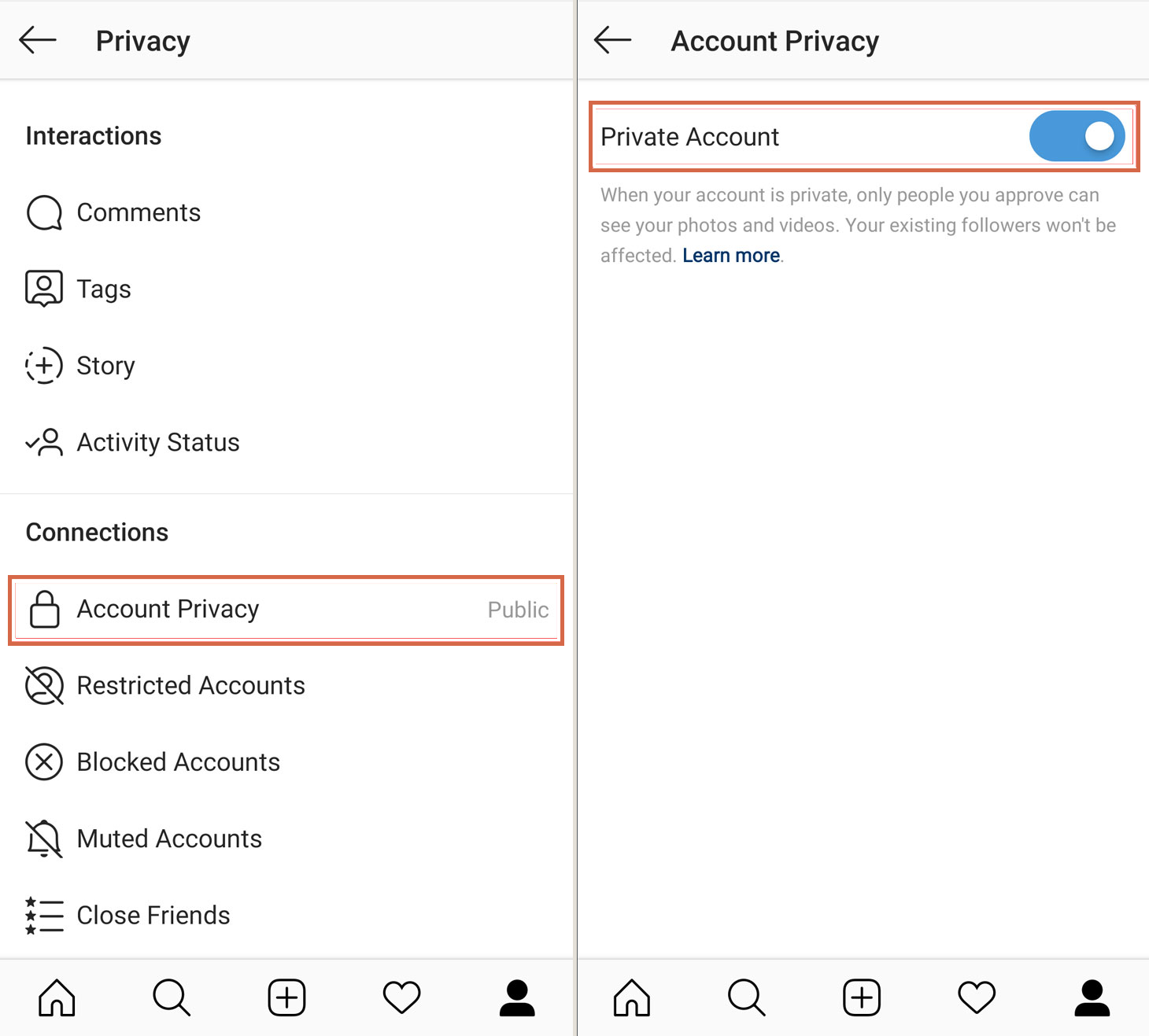
One catch before you close the app. Turning the setting off only stops what happens from here. It will not delete anything already made, and it does not stop Meta from using your public posts to train its models. That is a separate objection you have to file, and in the US Meta is not required to honor it. It also might not stick. Meta could bring the @-mention feature back, and if it returns on by default, treat it as live again. Turn the setting off anyway. The feature that scared everyone is already gone. The reason to do this is for the one Meta has not announced yet.
Sources: Meta's Muse Image announcement, with the July 10 removal note (Meta Newsroom) · Meta removes the Instagram @-mention feature after backlash (TechCrunch) · How to turn off the Meta reuse setting (Malwarebytes)