Your Wi-Fi Router Can Track Movement in Your Home
Your Wi-Fi router can detect people moving through your home, no camera needed. What ships today, what is still in the lab, and the one setting to check.

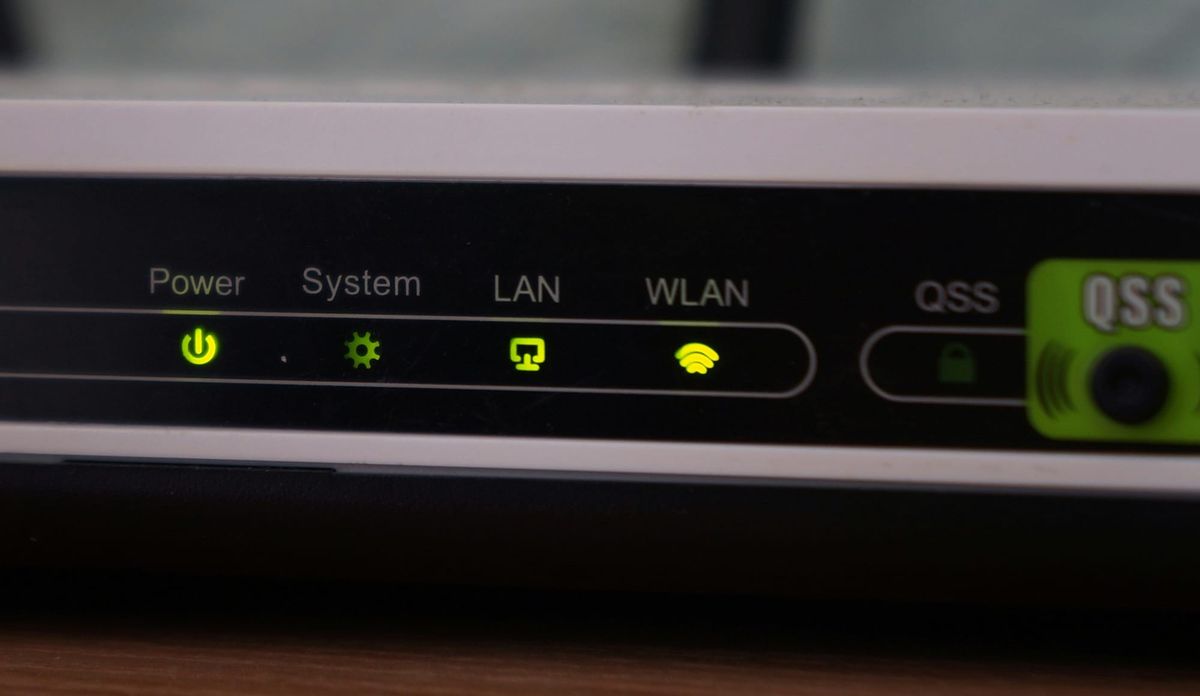
Your Wi-Fi router can tell when someone walks across your living room. No camera, no microphone, no GPS. It's not theoretical. Comcast already sells this in millions of homes, as a feature called WiFi Motion. It works today. How much it can see depends on which version is sitting in your house.
The mechanism sounds like magic but it's not. Your router fills your home with radio waves. When you walk across a room, your body nudges those waves, and the router measures the change. It works in the dark because radio does not need light. It works through walls because radio already passes through drywall. The technology behind it reads channel state information (a constant readout of how your Wi-Fi signal travels), which your connected devices report many times a second. A German research team used a related stream called beamforming feedback (data a device sends so the router can aim at it), which travels without encryption.
The version you can buy today is basic. It tells you motion happened in a zone, like near the front door, and pings your phone. It does not know who you are. Researchers have pushed it much further. At the Karlsruhe Institute of Technology, a team recorded ordinary Wi-Fi traffic and matched people to their bodies with up to 99.5 percent accuracy in a test of 197 participants. Change your walk or carry a backpack and accuracy fell to between 50 and 60 percent. One of the researchers, Thorsten Strufe, described it as working like a camera, except it uses radio waves instead of light, so it does not matter whether you carry a phone. Turning your phone off does not turn you off.
The risk splits into two piles. The first pile is the gear on the market, an opt-in feature that stays off until you turn it on. Comcast's WiFi Motion runs on a leased Xfinity gateway (an xFi Gateway such as the XB7 or XB8), and you enable it yourself in the Xfinity app. The providers sell the alert itself: a camera-free way to know when something moves in an empty house, the kind of home-monitoring add-on that used to need a sensor on every door. Cognitive Systems, a Canadian company, licenses similar software to dozens of internet providers, and Plume packages it into its own service. The detection runs on the devices already on your network, so there is no new hardware. These tell you something moved. They do not identify you. You can turn them off in the same app that turned them on.
The other pile is still in the lab. Identifying a named person, reconstructing posture, reading breathing. That work, including the Karlsruhe study and earlier projects at Carnegie Mellon, needs special configuration, extra sensing points, or research hardware. It is not a setting waiting in your router's menu. The Wi-Fi standard now includes a sensing track, called 802.11bf, finalized in September 2025, so future routers will be built to do this on purpose. The money is moving the same way: in February 2026, the home-security company ADT paid 170 million dollars for a startup whose whole business is reading these signals, and it plans to fold the technology into its products by 2027. That is the direction, not today's default.
The typical things you do for privacy don't protect you here. A camera has a cover you can tape over and a light that blinks. Wi-Fi sensing has neither. There is no glowing dot, no obvious place for a sticky note, and almost no rule forcing a company to tell you it is on.

The same sensing that feels invasive is a real help for older people living alone, which is why companies are pouring money into it. A camera is a non-starter in a bathroom or a bedroom, which is exactly where most falls happen. A pendant or a smartwatch only helps if the person remembers to wear it, and plenty of older folks don't. Wi-Fi sensing needs neither. It can notice that someone who is usually up by nine has not crossed the kitchen all morning, and alert an adult child two states away to call. It is the same capability as the creepy version, aimed at a problem instead of surveillance. That is what ADT bought.

What to do:
- Check your gateway. If you rent an Xfinity gateway, open the Xfinity app, go to the Home tab, and look for WiFi Motion. You will see whether it is on and who gets the alerts.
- Decide who sees the data. If an old roommate or an ex still gets motion notifications, remove them.
- Know who can request the data. Comcast's own privacy policy says it may disclose WiFi Motion data to third parties in response to a court order or subpoena. Factor that in before you leave it on.
- Search a new router's settings for "motion" or "sensing." If you do not want it, confirm there is an off switch before you buy.
- Leave it on if it helps you. If you use it to know when your kid gets home, that is a fair trade. Make it a choice, not a surprise.
This doesn't mean your router is filming you. It can't. The features detect motion, not identity. The work that can identify a person stays in university labs, not in the box from your internet provider. The capability is real and it is growing. You should know which version you have and who it reports to. Check the setting, not the marketing.
How do you feel about your router being able to map movement through your own house? I want to know. Subscribe and tell me what else in your house you want me to check next.
This is part of a series on everyday things in your house doing something behind your back. Earlier entries looked at the smart TV and the connected car. Follow for the rest.
Source: Xfinity WiFi Motion support; Tom's Hardware; Cybernews; ScienceDaily; ADT newsroom; IEEE 802.11bf. The research: Todt, Morsbach, Strufe, "BFId: Identity Inference Attacks Utilizing Beamforming Feedback Information," CCS '25, DOI 10.1145/3719027.3765062.