Google wants a video of your face. Skip it for now.
Google's new selfie sign-in is optional, stored on Google's servers, and easier to turn on than to undo. Five minutes on your recovery settings does more for you.

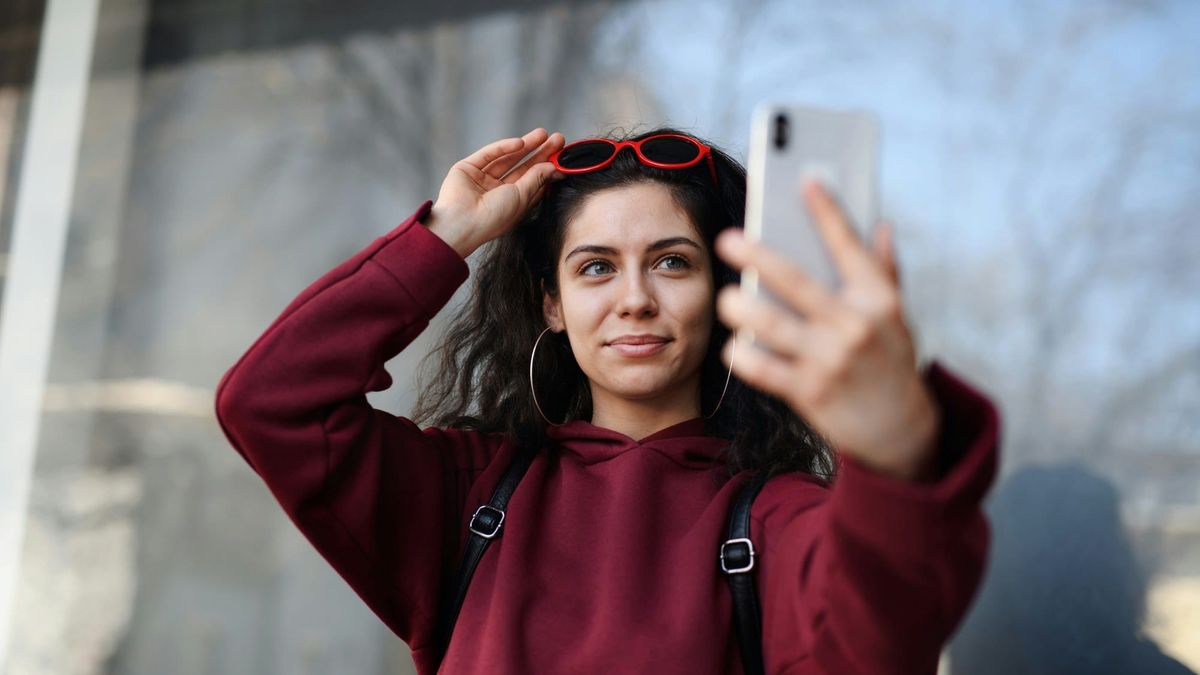
Google started rolling out a new way back into your account on Thursday, July 23. You record a short video of your face, Google keeps it. That way, if you ever get locked out, you record a fresh one so Google can compare the two. The feature is called "selfie video". It is optional and it is arriving gradually on personal Google accounts. It is not offered on Workspace accounts or kids' accounts.
Malwarebytes covered it the next day with a one-line verdict: do not enable it. I would suggest the same. But the reason has almost nothing to do with whether the feature works well or not.
What Google actually built
Setup runs from your Google Account, under Security, in the "How you sign in to Google" list. You pick "Selfie video," look into the camera, and turn your head a few times while it records. Google stores that recording and says it is encrypted at rest. A separate option called "Improve Google services" lets Google use your video to develop its facial recognition and age-estimation systems. That setting is off by default, and Google deserves some credit for that.
Actually using this feature is where it is weakest
An account is only as strong as the easiest way back into it. That is the entire reason SIM swapping exists. Michael Terpin lost $23.8 million in cryptocurrency in 2018 after someone talked an AT&T retail employee into moving his phone number onto a new SIM card. Nobody cracked a password. They were able to take over the recovery and let the reset links come to the "new" phone.
Selfie video is another way back in. It feels like adding a lock, but it's also adding a door.
Your iPhone already scans your face, so what is different here?
Face ID keeps a mathematical model of your face inside a chip on the phone called the Secure Enclave. Apple's own security documentation says that data never leaves the device and is not included in your backups. If you lose or break your device, the model goes with it.
Google's copy lives on Google's servers. It has to. A recording sitting on a phone you lost cannot let you back into anything. What makes this feature useful is the same thing that stacks the risk in one place, and that place is not your pocket.
Faces are having a rough month
We spent last week on exactly this problem: what to do when an AI deepfake has your face, then the takedown playbook. Now a face is being offered as an account key.
Google says it screens for fakes by matching your video and asking for those simple movements. Its usual suspicious-sign-in checks apply on top of everything else. Fair enough. But researchers at Zhejiang University tested 19 phone apps that verify people by face and beat more than 70 percent of them by feeding doctored video straight into the camera feed. When NIST tested 82 fake-detection algorithms, none of them caught every type of attack. Neither study tested Google though, which has defenses a random app does not. It is the ground this feature is standing on.
Google also does not offer selfie video to anyone in its Advanced Protection Program, the hardened setup it recommends for journalists, campaign staff, and executives. That is Google ranking its own sign-in option. The most at-risk accounts aren't even allowed to use it.
What decides it for me?
The undo. Google's help page says the video will be deleted "after a period of time," and never says what that period is. It also says deleting the video may cost you access to "some advanced features," and never says which ones. If a password of mine leaks, I can change it that morning. My own face isn't quite as easy to change.
Google is solving a real problem
People lose accounts for good every day, usually because the recovery email died years ago and the phone number belongs to somebody else now. Today's policy also seems reasonable: encrypted storage, a real delete button, the training option off unless you turn it on. My hesitation is about how long "today" lasts. And you have to set this up before you need it, so the person who needs rescuing cannot add it in the moment anyway. There are a few things you can do to close the gap.
A few steps you can take
- Leave selfie video off. If you already turned it on, go back to the same Selfie video page in your Google Account and delete the recording.
- Check your recovery phone and backup email. Both live under Security in your Google Account. A dead recovery address is how most people end up locked out permanently. Our five-minute recovery check walks Gmail and Outlook.
- Print your backup codes. Google Account, Security, 2-Step Verification, Backup codes. You get ten, each works once, and they do not care whether your phone still exists. Keep them where you keep your passport. If the extra login step still bugs you, we made the case for it here.
- Add a passkey. It signs you in with your phone's own screen lock, and the key never leaves the device. Start at g.co/passkeys, or read what a passkey actually is first.
Do those four this week and you have covered the lockout that selfie video is meant to prevent, without handing over the one credential you can never reissue. Then if you ever do get locked out, you will not need to prove your face is yours to anybody.
Sources
- Source: Google, Introducing selfie for sign-in, July 23, 2026.
- Google's documentation: Google Account Help, Take, manage and use a selfie video.
- The recommendation: Pieter Arntz, Google wants to store a selfie video of your face, Malwarebytes Labs, July 24, 2026.
- On Face ID: Apple, About Face ID advanced technology.
- The mobile-app research: Yu et al., Facial Authentication Security Evaluation Against Deepfake Attacks in Mobile Apps, ACISP 2025.
- The independent testing: NIST, Face Analysis Technology Evaluation (FATE) Part 10, NIST IR 8491, September 2023.
- The SIM-swap case: Terpin v. AT&T Mobility LLC, U.S. Court of Appeals for the Ninth Circuit, September 30, 2024.